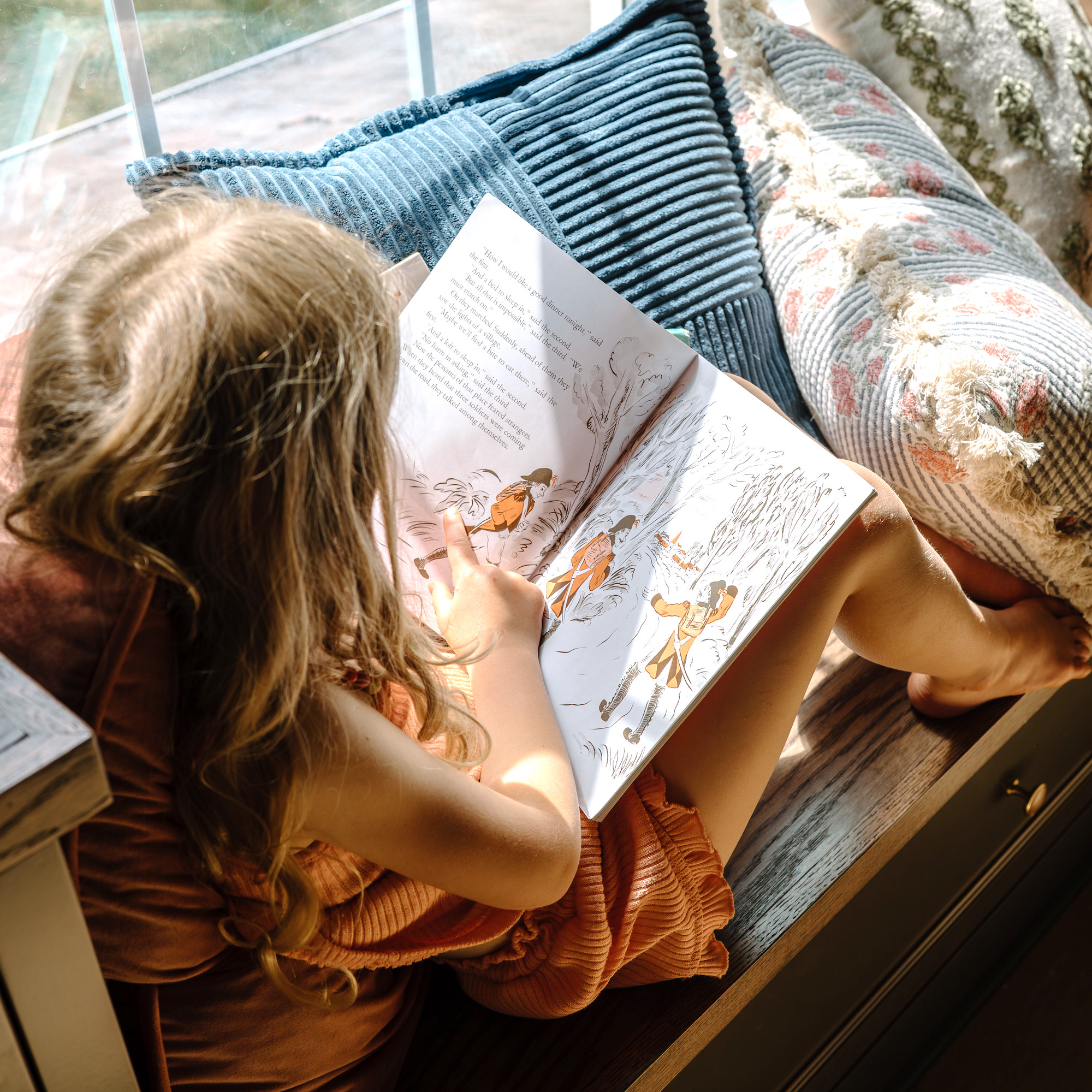
Over the holidays we purchased a Yoto Player for our youngest two children, ages 5 and 7. In this blog post I am sharing my honest review of the Yoto Player and how we use it in our home. I am also sharing our favorite Yoto Cards for building your own collection.
In this blog post:
- What is a Yoto Player?
- How we use the Yoto Player in our home
- Ten must-have Yoto Cards for building a collection
- How to make your own Yoto cards (MYO Cards)
- Frequently asked questions about the Yoto Player
What is a Yoto Player?

The Yoto Player is a screen-free story player designed for children. The device is designed so children can listen to audiobooks and music while operating the device independently. With the Yoto Player and Yoto Cards, children can pick and choose stories or music without needing an adult to help or using a smartphone.
We love the Yoto Player because it is screen-free and low-stimulation. Created without microphones, cameras, or ads, it is respectful of children’s privacy. Both the Yoto Player and Yoto Mini have simple screens that display simple lighted images (reminiscent of a Lite-Brite) that display the time, book chapter, or story characters. These features are simple and functional for children, but not something children will watch, like screens or tablets. It has kid-friendly controls so children can change the story, chapter, or volume as they listen.
There are two Yoto devices. The Yoto Player (3rd Generation) is a standalone player that has additional functions like a color-changing night light. The Yoto Mini is compact and smaller, and easier for kids to carry around or for travel. Both players have speakers or can be paired with headphones, and have other functions like a clock and alarm, and OK-to-wake light, sleep sounds, and can be used as a bluetooth speaker.
Yoto offers a broad library of cards of classic and contemporary children’s stories with high-quality, engaging narrators. The Yoto Player also includes free media like podcasts and children’s music.
(Use my referral code for $20 off a Yoto Player.)
How we use the Yoto Player in our home

For Christmas last year we got both of our younger children a Yoto Mini with silicone cases in different colors so they wouldn’t get mixed up. We got one shared card case and about a dozen cards to start with. We keep the card case on a bookshelf in our home library for them to access to grab a new card and put the one they were using back. Both children, ages 5 and 7, love their Yoto and listen to it all the time while coloring, doing puzzles, and playing with Legos. They also love to bring it in the car.
Right now my kids are using their Yoto Players during their free time, and we don’t have a lot of rules around it. We haven’t added this into our homeschool at this point, though I know many families use it for read-alouds or audiobooks. My kids will listen with headphones if they are using it in a shared space.
So far we have really enjoyed having the Yoto Player for our younger children. It is a treat for them to listen to a story as they play or after their schoolwork is completed.
One thing I have noticed is that while it works well for my younger children, I do not think it is something we will purchase for our older kids, even though Yoto offers a lot of advanced titles for older kids as well. Right now it seems perfect for the younger children to have around to encourage them to play independently without encouraging screen-time. For now my older kids still enjoy listening to audiobooks, typically with books from Audible or Sherwood Kids. See all of our favorite audiobooks in this blog post.
Ten must-have Yoto Cards for building a collection

Yoto Originals are high-quality audiobooks that are often adapted for children, with narrators, sound effects, music, and more. Many of the classic selections are abridged. Here are some of our favorites for building a collection.
- The Bible Storybook by Carl Laferton (Ages 2-6) – This is a child-friendly adaptation of the Old and New Testament, from the same author of the Tales That Tell the Truth book series.
- Mercy Watson series by Kate DiCamillo (Ages 5-8) – We love these beginner chapter books about Mercy Watson, a pig with an insatiable love for hot buttered toast who lives with doting human parents.
- Cornbread and Poppy by Matthew Cordell (Ages 3-8) – This children’s series follows two friends, Cornbread and Poppy, as they go on humorous adventures despite having opposite personalities.
- Winnie The Pooh by A. A. Milne (Ages 5-8) – Follow the classic adventures of Winnie the Pooh in the Hundred Acre Woods.
- The Tale of Peter Rabbit by Beatrix Potter (Ages 3-5) – Enjoy the classic stories of Peter the Rabbit and all of his friends.
- Frog and Toad by Arnold Lobel (Ages 5-8) – Frog and Toad have been favorite characters in our home for years. These are stories are two best friends who are always there for each other, no matter what.
- Adventures in Brambly Hedge by Jill Barklem (Ages 3-8) – The mice of Brambly Hedge have adventures and lots of fun together.
- The Chronicles of Narnia by C.S. Lewis (Ages 8-14) – Delight in The Lion, the Witch, and the Wardrobe and the other books in the beloved Chronicles of Narnia series.
- The Secret Garden by Frances Hodgson Burnett (Ages 8-14) – Follow the classic tale of Mary Lennox and her discoveries in a gloomy English manor.
- Charlotte’s Web by E.B. White (Ages 8-12) – A wise spider crafts a way to save the life of a lovable pig in this charming children’s story. For extra fun, pair it with the Charlotte’s Web Book Study.
How to make your own Yoto cards (MYO Cards)

With Yoto MYO Cards (Make Your Own), you can create playlists and original recordings for kids to play.
To make your own Yoto card, you will need a blank Yoto card. Open the Yoto app and go to the “Create” tab, where you have several options for recording original audio and making your own cards.
- Record original audio: Tap the “Record” button. Once you have made a recording, hit the “Save” button. Name your recording and add it to a playlist by clicking “Add to Playlist.” This would be a fun way to help kids with memory verses or memorizing poetry, or to have a heartfelt message or story read by a grandparent or family member.
- Make Your Own Yoto Card: To create your own MYO Yoto card, create a playlist with original audio recordings or by importing MP3 files. Open the playlist and click “Link to a MYO Card.” This will generate an option to link a card using your phone or player. You can link the card with your phone or with the Yoto player.
- To use your phone, place the MYO card near the NFC scanner at the top of your phone. Wait for the phone to confirm the audio link is complete.
- To link with your Yoto device, press “Use a Yoto Player.” Your player must be turned on and connected to Wi-Fi in order to link to a card. Insert your MYO Card into your player and link the card. The Yoto display will show a red “record” icon followed by a green check mark when it is complete.
- Creating a music playlist: Go to “Playlist” in the Yoto library on the app. Click “Make a Playlist” or go to the existing playlist. Once your playlist is available, you can add an audio file by pasting a link to an MP3 File (music you own like a CD that has been uploaded to iTunes). You cannot import any music that is available through a streaming service.
- Create your own audiobook with public domain audiobooks: Download a LivriVox audio file to your computer. Follow the same steps to upload the audiobook file. Each MYO card can hold 100 chapters. MYO cards can also be deleted and reused. There are also some public domain titles available through Yoto.
Frequently asked questions about the Yoto Player

Can you share Yoto cards with friends?
You can share Yoto cards between friends by sharing a link for different cards. A card can only be in one library at a time. If it is in use in a friend’s library, the card will disappear from yours. If you put the card back into your Yoto player, it will reappear in your library and be removed from your friend’s.
What is the difference between a Yoto Player and a Yoto Mini?
The Yoto Mini has a basic speaker and shorter battery life than the original Yoto Player, but it is more compact and better suited for travel or moving around.
What age do you recommend for the Yoto Player?
Based on my personal experience, I think Yoto is an excellent choice for children ages 4-10, though they certainly have options for younger and older children.
Do you need Wi-Fi to use the Yoto Player?
The first time you use a card, the Yoto Player needs to be connected to Wi-Fi in order to download the card to the story player. Once it has been downloaded, the device does not need to be connected to Wi-Fi.
Do you use a Yoto Player in your home? Share your thoughts in the comments below.

![Best Educational Board and Card Games for Kids and Families [2026]](https://storage.googleapis.com/treehouse-schoolhouse-media-dev/d9b5ca6e-image-scaled.jpg)